Your WhatsApp chats, in a file that is yours
Install it from the Chrome Web Store and export your one-to-one WhatsApp Web conversations into a single JSON file, saved on your own computer.
One-click install · Free · Chrome and Chromium-based browsers
No account · No uploads · No network requests
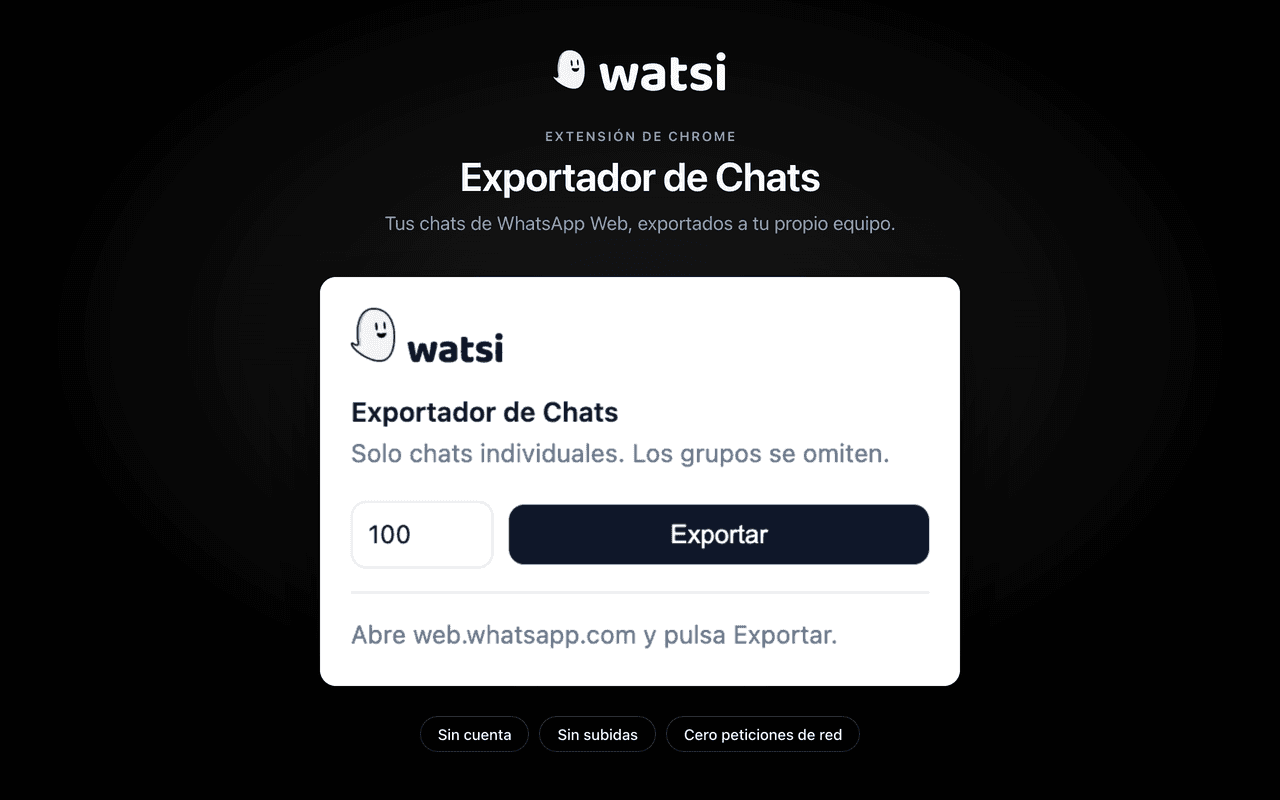
A complete export
Messages from your one-to-one chats, contact details, call history and attachment metadata — all in a single JSON file.
Everything happens in your browser
There is no account, no server and no database. The extension makes no network requests at all: the file never leaves your computer.
One permission, and only one
Access to web.whatsapp.com and nothing else. It never sends messages, does not read groups and stores nothing between sessions.
Ready in a couple of minutes
Open it in the Chrome Web Store
The button takes you to the official watsi Exportador de Chats listing. Click "Add to Chrome", review the permission it asks for and confirm the installation.
Open WhatsApp Web
Go to web.whatsapp.com and wait for it to finish syncing your conversations.
Export
Click the extension icon in the Chrome toolbar, then Export. The file lands in your downloads.
One-click install · Free · Chrome and Chromium-based browsers
What exactly do you get?
The extension's privacy policy sets out, field by field, what it reads, what permission it asks for and why it keeps nothing.
Read the privacy policywatsi is not affiliated with, sponsored by or endorsed by WhatsApp LLC or Meta Platforms, Inc. "WhatsApp" is a trademark of its owner and is mentioned here only to describe what the extension works with.
Version 1.0.1 of the watsi Exportador de Chats extension.