How to Use WhatsApp Labels to Organize Leads and Increase Sales
 Yoshua HernándezCofundador de watsi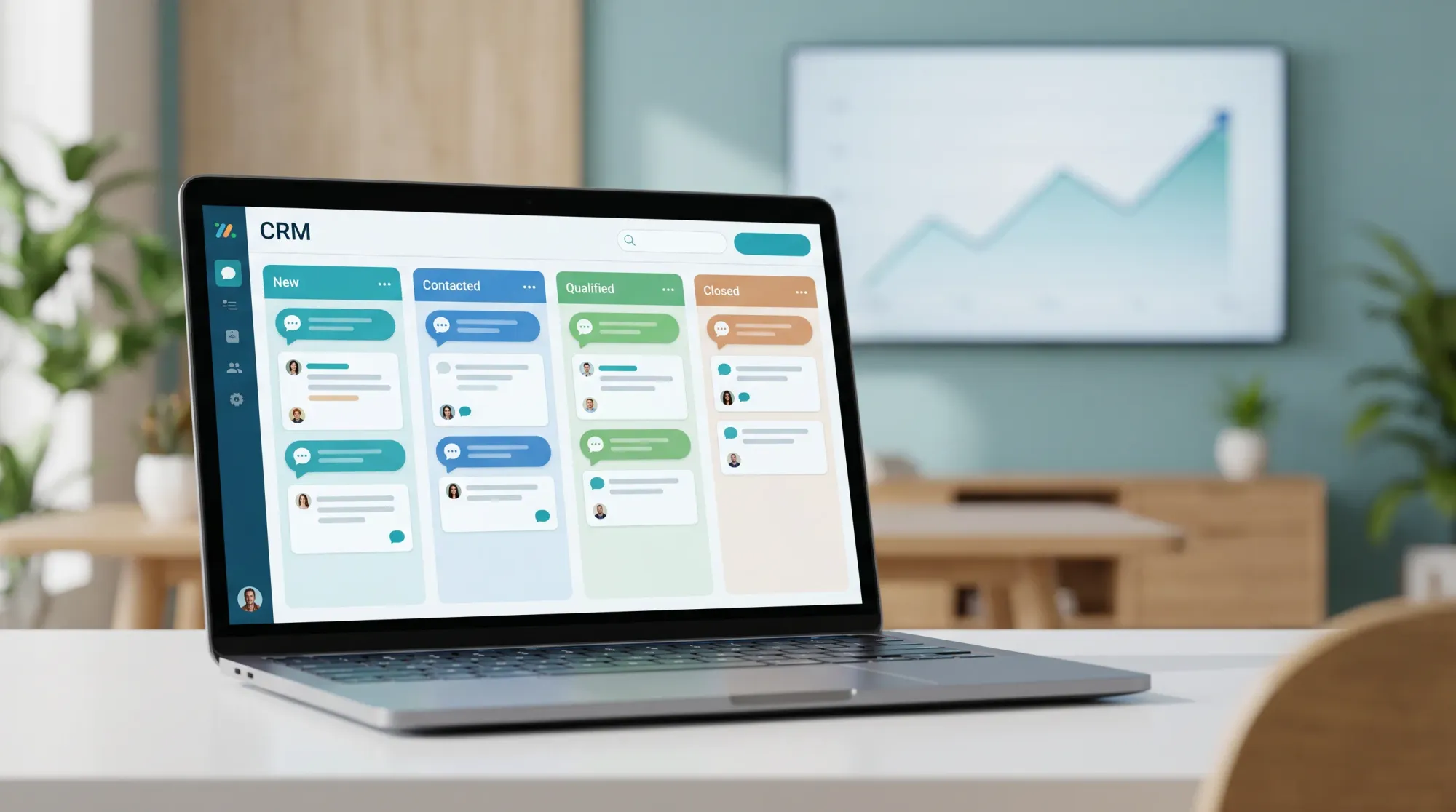
For many small and medium businesses in Mexico and Latin America, WhatsApp is the place where leads first appear. A prospect asks about pricing, another wants availability, someone else sends a photo, and a returning customer needs support. The channel is fast and personal, but without structure it can also become messy very quickly.
WhatsApp labels are one of the simplest ways to bring order to that flow. Used well, they help your team see who is new, who needs follow-up, who is ready to buy, and which conversations should not be forgotten. The result is not just a cleaner inbox. It is a sales process that is easier to manage every day.
Why labels matter in WhatsApp sales
Most teams start by using WhatsApp like a shared inbox. That works when there are only a few conversations per day. Once the volume grows, important leads start to disappear between unread messages, internal notes, and old chats.
Labels give every conversation a visible status. Instead of relying on memory, the team can quickly understand what each contact needs next. A good label system answers questions like:
- Is this person a new lead or an existing customer?
- Has someone already sent pricing or a quote?
- Does this conversation need a follow-up today?
- Is the lead waiting on a payment, appointment, or document?
- Which customers are high priority or likely to close?
This is especially useful when more than one person answers messages. Labels reduce duplicated work and make handoffs easier because the next person can understand the conversation state before replying.
Start with a simple label structure
The most common mistake is creating too many labels. If your team needs to choose between twenty different options, they will stop using them consistently. Start with a small structure that mirrors your real sales process.
A practical starter set might look like this:
- New lead: someone who has not been qualified yet.
- Qualified: a lead that matches your offer and has real interest.
- Quote sent: pricing, proposal, or package details were already shared.
- Follow up today: someone needs a same-day response or reminder.
- Waiting for customer: the next step depends on the customer replying.
- Won: the lead became a customer.
- Lost or not fit: the conversation should not stay in the active pipeline.
These labels are not meant to replace your CRM. They are a lightweight operating system for the WhatsApp inbox. If your business later connects WhatsApp to a tool like Watsi, these same stages can become the foundation for automation, reporting, and smarter follow-up.
Use labels as actions, not just descriptions
A label is most valuable when it tells the team what to do next. For example, “interested” is descriptive, but “quote sent” or “follow up today” is actionable. The second version makes it clear what happened and what should happen next.
When designing labels, ask: “If someone sees this label tomorrow morning, will they know what action to take?” If the answer is no, make the label more specific.
For example:
- Instead of Hot, use Ready to book.
- Instead of Pending, use Waiting for payment or Waiting for documents.
- Instead of Important, use Follow up today.
This small change helps teams avoid ambiguity. It also makes it easier to train new agents because the label itself explains the next step.
Create a daily follow-up routine
Labels only work if someone reviews them. A simple daily routine can prevent missed opportunities:
- At the start of the day, open all conversations labeled Follow up today.
- Reply, remind, or escalate each conversation.
- Move contacts to the next label once the status changes.
- At the end of the day, review Quote sent and Waiting for customer.
- Remove active labels from conversations that are won, lost, or no longer relevant.
This habit turns WhatsApp from a reactive inbox into a daily pipeline. The team no longer has to scroll through every conversation to decide what matters. The labels make the priority visible.
Keep ownership clear
If multiple people manage WhatsApp, labels should also support ownership. Some teams use labels for the agent responsible for a conversation, while others use notes or CRM assignments. The exact method matters less than the rule: every active lead should have a clear owner.
Without ownership, a lead can receive duplicate replies or no reply at all. With ownership, the team knows who should follow up and who should step in if that person is unavailable.
For higher-volume teams, this is where automation becomes useful. A system can assign new leads, remind the owner when a conversation is stale, and alert a manager when no one has responded. But even before automation, a disciplined label process creates the visibility needed to manage the work.
Review labels every month
Your label system should evolve with your business. Once a month, review which labels are actually used and which ones create confusion. Delete labels that no longer help. Rename vague labels. Add a new label only if the team repeatedly needs that status and cannot express it with the current set.
A good rule is that every label should support one of three goals:
- Prioritizing the next response.
- Tracking the sales stage.
- Improving handoff between teammates.
If a label does not help with one of those goals, it probably adds noise.
Conclusion
WhatsApp labels are simple, but they can make a big difference in how a team manages leads. Start with a small set, make every label action-oriented, review follow-ups daily, and keep ownership clear. Over time, this structure helps your business respond faster, lose fewer leads, and create a more reliable sales process.
For teams that want to go further, Watsi can help connect this WhatsApp workflow with CRM context, automation, and follow-up systems so every lead has a clear next step.